
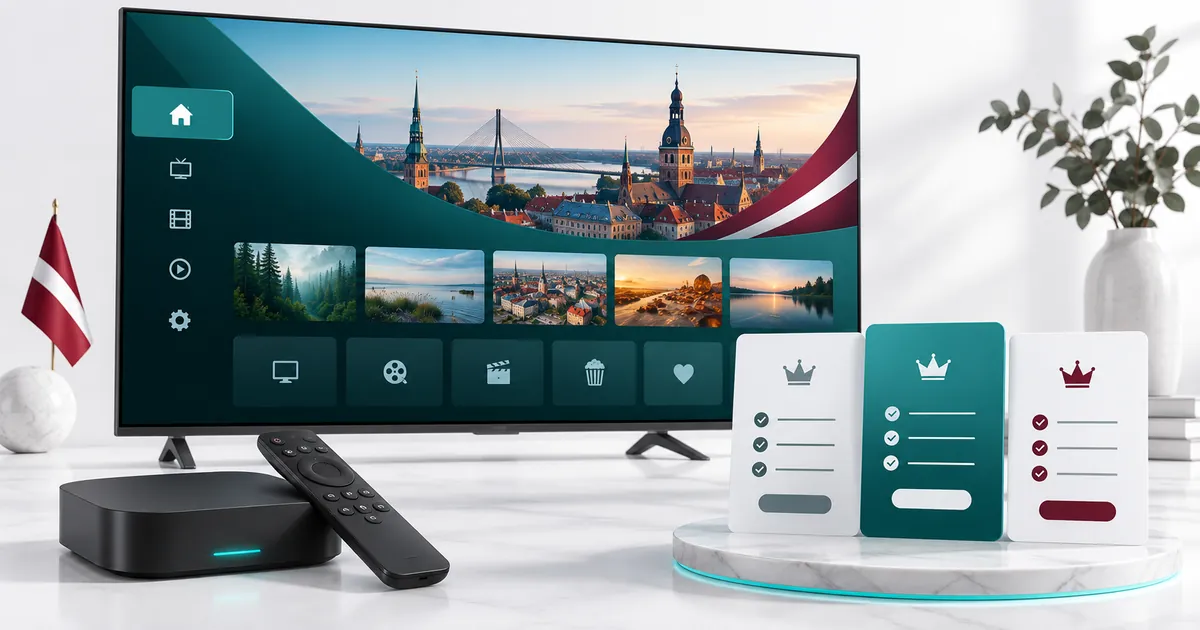
A clear route from choosing to watching
Buying a subscription should not mean guessing which option fits your home. Here you can compare Standard and Premium, select a duration, and choose between one and five simultaneous connections. The plan selector shows the price for your actual selection before you continue. There is no need to create a different order for each screen.
Your online order is a subscription request, not an automatic card payment. After you submit your contact details, the activation team helps prepare your setup and explains the next steps. Keep your email address and WhatsApp number accurate so the team can reach you. If you are still weighing the options, start with our subscription comparison guide.
Choose Standard or Premium
Standard: everyday viewing
Standard is the starting point for viewers who want Full HD entertainment on a compatible television, streaming device or mobile screen. Choose it when everyday viewing and a straightforward plan matter more than the additional Premium features.
Premium: more viewing options
Premium adds a larger advertised library, 4K UHD options, Premium sports and enhanced guide and catch-up features. Its Hot Player / IBO activation offer may also suit a supported Smart TV. See the full Premium feature explanation before deciding.
4K is available only where the source, app, device and connection support it. Neither plan makes every channel the same resolution, and channel or catch-up availability can change. If a specific channel, language or event is essential, ask support to confirm availability before you order.
Pick a duration that matches your plans
- 1 month: a shorter commitment when you want to experience the service on your own setup.
- 3 months: a medium-length option when one month feels too short.
- 6 months: a longer period for regular use without choosing a full year.
- 12 months: the annual option for viewers who already know their preferred setup.
Compare the total payable amount, not just the displayed monthly equivalent. A monthly equivalent is the selected plan total divided by its duration; it is not an offer of monthly instalments. Our yearly subscription guide explains what to check before choosing twelve months.
Count simultaneous viewers, not just devices you own
One connection means one active stream at a time. A television and a phone used at different times do not necessarily require two simultaneous streams. If someone watches on the main TV while another person uses a tablet, select enough connections for both to watch together.
Each pricing card has its own connection selector, from one to five. Changing the device count updates that card’s price and order selection. Before continuing, check the plan type, duration and connection count together. For larger or unusual setups, contact support rather than assuming several separate subscriptions will work as one account.
Choose your subscription
CHOOSE YOUR QUALITY LEVEL
Choose Your Plan
Simple pricing, flexible connections, and a clean setup experience. Pick the quality level, duration, and number of devices that fit you best.
Check your device before ordering
A compatible IPTV player is needed to open your subscription. Common device categories include supported Smart TVs, Android TV and streaming boxes, phones, tablets and computers. The available apps depend on the exact operating system, model and region; a familiar TV brand alone does not confirm app compatibility.
For a television, use the Smart TV buying and setup guide. For other screens, review compatible device categories and player options. App installation and an app licence are separate from the subscription itself unless the selected plan expressly includes the activation offer.
What happens after you choose a plan?
- Review your selection. Check Standard or Premium, duration, connections and the displayed total.
- Submit your details. Use the existing checkout to provide your full name, email and WhatsApp number. No online payment gateway is required to submit the request.
- Keep the confirmation. The Order Received page identifies your request. Save the order number for conversations with support.
- Set up and test. Follow the team’s instructions for your device, check that playback works, then follow the payment instructions provided after setup.
Activation is handled by the team. Timing depends on reaching you and completing the necessary setup details; a submitted order does not mean that every device is already configured. Avoid submitting repeated requests if you are waiting for a reply.
Support before and after your request
Not sure which app to use or which connection count is right? Ask the activation team before committing. Have your device model, app name and intended number of simultaneous viewers ready. You can also request a trial and confirm current trial availability.
Read the service terms and refund policy before ordering. Use your subscription only for content you are entitled to access. The setup overview remains available when you need a reminder of the process.
Your questions answered
Do I pay by card when I submit the order?
No. The existing checkout collects your subscription request and contact details. The team sends the next steps and payment instructions after helping with setup.
Can I choose connections separately for each duration?
Yes. Use the dropdown on the card you want. Check that card’s updated total before continuing; only your selected offer should be ordered.
What should I prepare before placing my request?
Your full name, reachable email, WhatsApp number, device model and preferred app are useful. Check any must-have content with support first.
What if I select the wrong plan?
Contact support with your order number and explain the selection you intended. Do not assume that editing a message changes the stored order automatically.
Can I get help without placing an order first?
Yes. Contact the team to discuss device compatibility, trial availability or the differences between plans before submitting a subscription request.
Ready to make your selection?
Choose the quality level, duration and connections that fit your home. Your selected plan continues through the existing IPTV Latvia order process.