
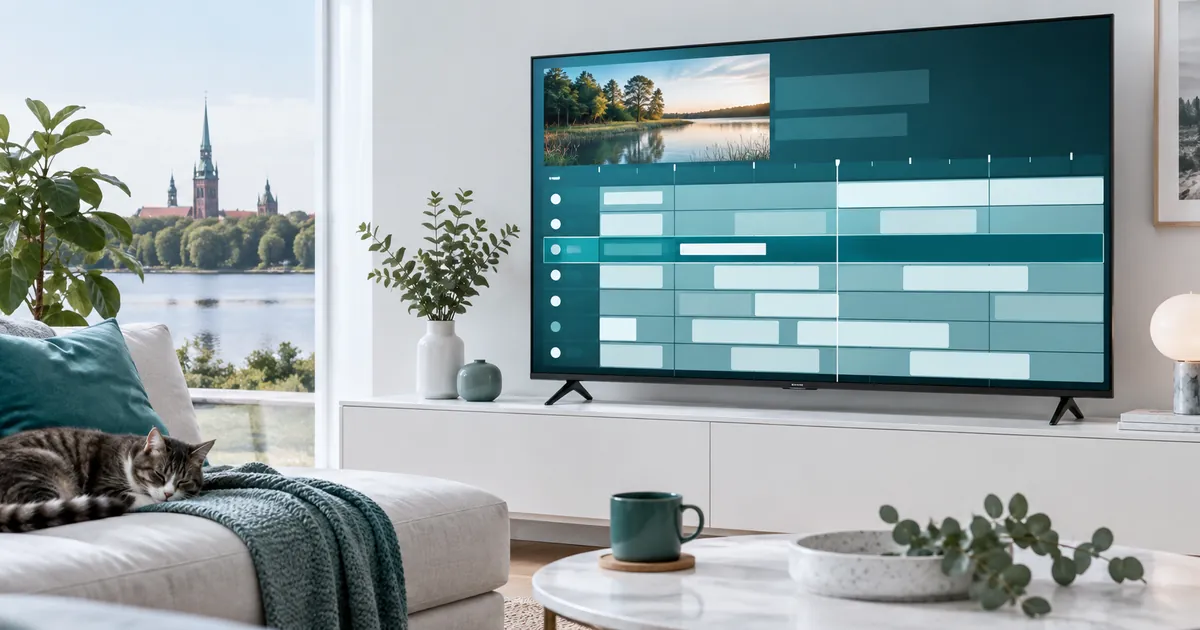
Read the guide as information, not a content guarantee
A guide commonly presents channel rows, programme names and start or end times. Depending on the available data and player, you may also see descriptions or other programme details. Not every channel supplies equally complete information, and not every app displays the same fields.
An entry tells you what the schedule data says; it does not independently prove that a stream is working or that a particular event is included in your account. Use it to navigate, then check actual playback. A future programme name should not replace a current availability confirmation when an event is essential to you.
Keep channel loading separate from schedule loading
The channel list and guide data can have separate update processes. That is why a channel may play normally while its schedule is blank, or why programme names may remain visible during a playback problem. Treat these as different symptoms when troubleshooting instead of assuming the entire subscription has failed.
For a technical example, the official Kodi IPTV Simple documentation describes playlist and EPG support separately. Your player may present those settings differently. Follow the instructions for your actual app and account rather than copying an unrelated guide address or configuration from another installation.
Check time zones before applying an offset
If many programmes appear consistently early or late, first compare the device clock, time zone and the player’s guide settings. Write down the difference you observe. Applying several compensating offsets can make the problem harder to understand, especially if a later automatic update changes one of them.
Do not change the system time simply to force one programme row to look correct. Check whether the problem affects all channels or only one, and compare an actual broadcast with its listing. A single inaccurate entry may be a data issue rather than a global clock problem. Ask support before changing unfamiliar settings.
Refresh deliberately instead of rebuilding the account
If the player has a guide refresh control, use the documented option and allow the process to complete. A refresh is not the same as deleting your subscription profile. Save your activation instructions before any step that could remove account details, favourites or local settings.
The Smarters setup guide explains why player identity matters. Menus and available controls differ between versions. Do not assume that a button with a similar label performs exactly the same action in another app, and avoid importing public guide links containing unknown data just to fill empty rows.
Use favourites to make a large guide manageable
Once the guide is working, organise the channels you actually use if your player supports favourites. A shorter list can be easier to navigate with a television remote. Test how you return from a programme description to live viewing, and check whether text is readable from your normal seat.
For local viewing, the Latvian channel checklist helps you identify the correct channel and language version. Similar names do not always mean identical entries. Keep the exact label when reporting a problem so that support can distinguish it from another version in the list.
Do not confuse past listings with playable catch-up
A guide may let you scroll backwards through programme names even when replay is unavailable. Catch-up playback additionally requires a supported archive and compatible player behaviour. The presence of yesterday’s schedule does not create a recording or guarantee that a programme can be reopened.
Likewise, a reminder or favourite is not necessarily a recording instruction. Read the player’s own explanation before relying on a control for later viewing. If delayed viewing is important, test one confirmed supported programme and ask about its available window rather than assuming the whole guide is an archive.
Send a guide-specific report when something is wrong
Record the channel label, displayed programme, expected programme, local time, device and player. State whether video still works. If the issue affects only part of the list, give one working example and one failing example. That comparison helps support distinguish mapping, timing and data-availability problems.
When choosing a plan, compare the subscription options against your actual viewing requirements. For sports viewing, verify event coverage separately from its schedule row. A useful guide improves convenience, but it should not be the sole evidence for a purchase decision.
Your questions answered
What does EPG mean?
It means electronic programme guide: schedule information shown by the player, often including programme titles and times beside channel entries.
Why can a channel work without a programme description?
The video and guide data are separate. A missing description can reflect incomplete or unloaded schedule data rather than a playback failure.
Should I change the television clock for one wrong listing?
Not immediately. Check whether the error is widespread, compare time zones and note the difference before altering system settings.
Does yesterday’s guide entry mean I can replay it?
No. Replay requires supported catch-up access and compatible playback. Historical schedule information alone is not a recording.
Can I paste any online EPG address into my player?
Use only the guide details confirmed for your service and app. An unrelated source may not match your channel entries or account setup.
Choose a setup that is easy to navigate
Confirm your device and viewing requirements, then compare subscription options and ask about guide support where it matters to you.