
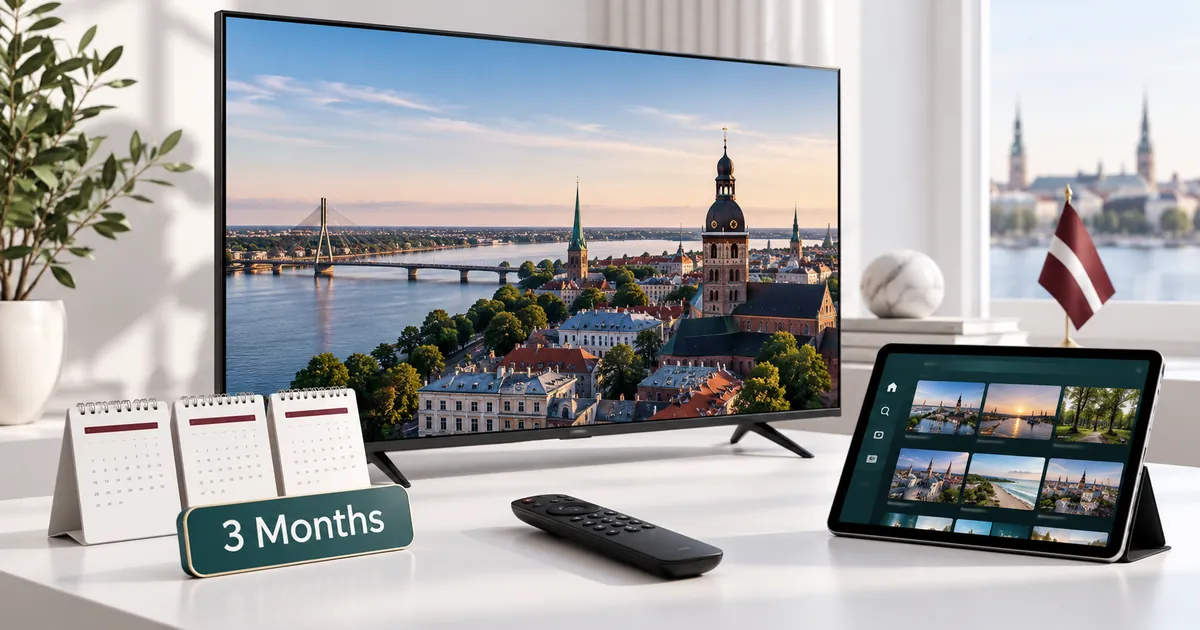
Who benefits from a three-month duration?
This option is useful when you have a reasonably clear viewing routine for the coming months but do not yet want an annual commitment. Perhaps the main television has already been configured and you want a longer period of regular use. The reason to choose three months should be the duration you need, not simply the position of the card on a pricing page.
Consider any essential programme or language requirements before ordering. A subscription period is not a guarantee that a particular series, event or third-party channel will remain available throughout it. Ask about specific requirements rather than treating a broad entertainment category as a confirmed listing.
Three separate decisions make up the plan
- Duration: choose the 3 Months card, not an adjacent monthly or six-month option.
- Quality level: compare Standard with Premium according to the features useful on your screens.
- Connections: choose how many streams must run together, from one to five.
These choices are independent. Moving to three months does not automatically add connections, and selecting Premium does not remove the simultaneous-stream limit. Read the total after making all three selections. If you change the quality tab, check the duration and device dropdown again before continuing with the offer.
Compare the existing Standard and Premium products
The Standard three-month subscription is the everyday option for viewers satisfied with its Full HD feature set. The Premium three-month subscription offers the additional Premium features, including available UHD content where the source and playback setup support it.
Compare both with the same simultaneous connection count. Check whether any included player activation applies to the exact application on your device. Similar app names do not mean identical licences, and the app’s activation conditions should not be confused with the duration of IPTV access.
Understand the price over the selected period
The relevant figure is the total for the full three-month selection. Dividing it by three gives the monthly equivalent, which can help compare durations but does not create a monthly instalment plan. Compare totals for equal quality levels and connection counts rather than mixing a single-screen Standard offer with a multi-screen Premium offer.
If you are still establishing compatibility, compare the one-month starting option. If you already expect regular use for longer, read about six-month subscriptions. Choose the period whose commitment you are comfortable making; a longer advertised duration is not automatically better for an uncertain setup.
Prepare the screens you will actually use
List the exact devices expected to be used during the period, including a connected streaming box if that supplies the TV interface. Record the operating system and player name where possible. A brand label by itself is not enough to confirm that the recommended application is available.
Check that the remote controls and on-screen guide are comfortable for the person who will watch. If another family member handles setup, keep a short note of the selected app and support reference rather than relying on memory. Avoid placing subscription passwords in shared public notes or screenshots.
Account for two or more viewers
A family using the television, tablet and phone independently may need the three-connection option, but only if those streams overlap. A phone used after the television is stopped does not create the same simultaneous demand. Work from a typical evening rather than the total number of devices in the cupboard.
Before testing several screens together, confirm that each app is configured correctly on its own. If only one room has trouble, examine that room’s connectivity before assuming the subscription count is wrong. When support is needed, say how many streams were running and which device showed the problem.
Keep the order and renewal details clear
After making your selection, use the established checkout to submit accurate customer details. Save the confirmation reference and follow the activation team’s instructions for setup, testing and payment. There is no need to arrange a separate order for every simultaneous connection included in the selected package.
Confirm the start and expiry dates once access is prepared. If this replaces or extends an existing account, tell the team explicitly. A fresh order reference alone does not prove the correct existing subscription has been extended. Near expiry, decide whether your next period should remain three months or change to suit a different routine.
Your questions answered
Is a three-month plan billed in three separate payments?
The displayed monthly equivalent is a comparison figure. Check the full plan total and follow the team’s existing payment instructions rather than assuming instalments.
Does choosing three months increase my connection allowance?
No. Duration and simultaneous connections are selected separately. Set the required device count on the three-month card.
Can I use this option to renew an existing account?
Tell support that the request is a renewal and provide the relevant account reference privately. Ask for confirmation that the intended account has been matched.
Should I choose this instead of a month if I have not tested my TV?
Confirm compatibility first. A shorter starting period or an available trial may be more suitable while you assess the player and connection.
What if my household changes devices during these months?
Discuss the replacement device and player with support. Account configuration and player-licence requirements may need attention even though the plan duration is unchanged.
Set your three-month combination
Choose the 3 Months card, compare the quality levels, and confirm the required simultaneous connections before continuing.