
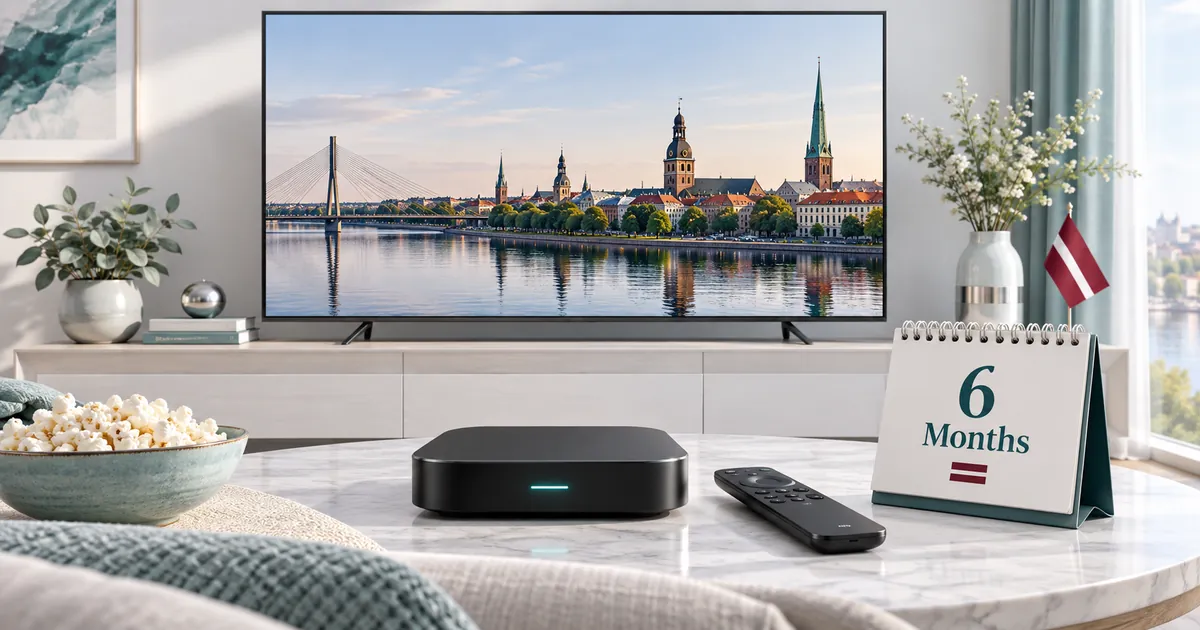
Choose six months for a known routine
A mid-term subscription is easier to evaluate once you know which player and screen you prefer. If you already watch regularly, six months can provide continuity without repeating the duration decision every few weeks. That convenience matters most when the setup fits the people who actually use it.
Do not use duration as a substitute for resolving uncertainty. If the app is difficult to navigate, an important channel is unconfirmed or a room has an unreliable connection, address those points first. A longer subscription does not by itself fix usability, content availability or local connectivity.
Compare value on an equal basis
Write down the quality level and connection count before comparing durations. Then compare the full six-month total with shorter options using those same choices. A monthly equivalent can show the average cost over the period, but the total commitment is the figure you should review before submitting the request.
The three-month plan guide is useful if you want an earlier decision point. The annual subscription guide explains considerations for a longer commitment. Neither is automatically better: the appropriate period depends on your confidence in the setup and the length of time you expect to use it.
The existing six-month subscriptions
Choose the Standard six-month product when everyday Full HD viewing and the Standard features meet your requirements. Consider the Premium six-month product if its extra sports, guide, catalogue and available 4K options matter to you.
Both choices still depend on compatible apps and devices. Premium’s higher-resolution possibilities need a suitable source and playback chain; not all channels or programmes are supplied in 4K. Confirm any player-activation offer for the exact app you intend to use, especially if you already hold a separate licence.
Build a realistic connection allowance
Look at the busiest normal viewing period in the household. One person in the living room and another on a tablet create two simultaneous streams. Several devices used in sequence create a different requirement. Choose enough connections for the overlap without assuming every owned screen needs its own permanent slot.
The multi-device selection guide explains how to choose between one and five. Think about whether another household member is likely to start watching independently during the coming months. If requirements later change, ask about available adjustments; do not assume the system automatically upgrades or prorates an existing plan.
Prepare a setup that is easy to maintain
- Keep the model and player name with your order reference.
- Store subscription credentials privately rather than in an open family chat or public screenshot.
- Record whether an app licence was already owned or supplied as part of the offer.
- Keep a note of which device is affected when reporting playback trouble.
A small amount of preparation helps when a television receives a software update or a streaming box is replaced. Before resetting a device, ask whether its app activation or stored account details will need to be restored. Avoid purchasing another player licence until you know that it is necessary for the intended configuration.
Review the service in ordinary conditions
Check the actual viewing location at the time you normally watch. A successful stream on a nearby phone is not proof that a distant television has the same connection quality. If you use several simultaneous streams, try them together after each device has been configured correctly on its own.
When something fails, separate the symptoms: an app that will not install, an account that will not authenticate, and one programme that will not play are different problems. Give support the specific observation rather than repeatedly reinstalling everything. This makes it easier to identify whether the player, account, network or content source needs attention.
Order once, then confirm the account period
Use the existing plan selector for Standard or Premium, choose 6 Months and set the connection count. Continue through the normal request form with reachable contact details. The activation team then helps with setup and provides the payment instructions after the established testing stage.
Ask for the confirmed account dates and keep them with your receipt or order confirmation. If you are extending an existing subscription, identify it clearly so the team can match the request. Toward the end of the period, reassess whether the same devices, quality level and simultaneous usage still describe your household.
Your questions answered
Is six months the same as paying monthly for six months?
Not necessarily. The duration describes the access period offered. Review the full total and the manual payment instructions; the monthly equivalent is only a comparison calculation.
When is six months more suitable than three?
It may fit an established setup and a longer expected viewing routine. If your circumstances are uncertain, an earlier reassessment point may be more useful.
Will the same app always remain available for the period?
Third-party app availability and behaviour can change. Keep your setup details and consult support if a device update or player change affects access.
Can I assume a connection-count change will be prorated?
No. Contact support about the available options before changing your requirements or submitting another order.
What information helps when renewing after six months?
Have the existing account reference, intended plan type, connection count and device details ready, and ask the team to confirm the new account period.
Compare the six-month commitment
Select the six-month duration with the same quality level and connection count when comparing totals.