
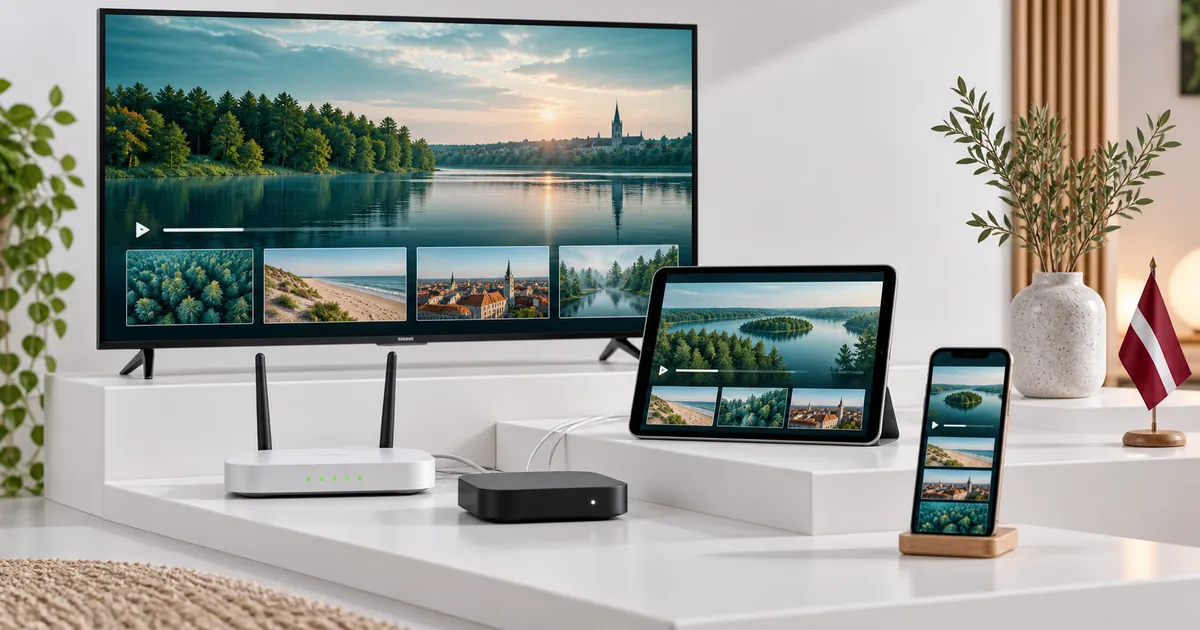
Three numbers that are easy to mix up
Devices owned describes the televisions, phones, tablets and computers available in your home. Viewers describes the people watching. Active streams describes the independent playback sessions running at a given moment. The connection choice concerns that last number, subject to the service’s account rules.
Four people watching the same television together use one stream. One person who leaves playback active on several devices can create multiple sessions. These examples show why neither the number of people nor the number of owned screens is a reliable shortcut for selecting the allowance.
Make a small overlap chart
List the screens normally used during the busiest viewing period, then note when each starts and stops. Look for the highest ordinary overlap, not an exceptional moment you are unlikely to repeat. Include tablets and phones that people use independently while the main television is busy.
For example, the living-room TV and a tablet may run together, with a phone used only after the tablet stops. That routine may involve three devices but only two concurrent streams. If all three begin playing independently at the same time, the requirement changes. Writing the sequence down makes the choice much clearer.
Match the allowance to the scenario
- One connection: one active stream at a time, even if viewing moves between compatible screens.
- For a TV and tablet running together, read the two-device setup guide.
- For three overlapping sessions with mixed screens, use the three-connection guide.
- For a room-by-room family setup, compare the four-device option.
- For the largest current simultaneous allowance, see the five-device guide.
These are explanations of the available connection choices, not separate device brands or new checkout systems. Select the corresponding count within the existing plan selector. The maximum offered option should not be interpreted as unlimited simultaneous use or permission to redistribute access.
Connections, compatibility and licences are separate
An additional simultaneous connection does not install a player or make an unsupported television compatible. Each screen still needs a suitable app and the correct subscription details. If the app requires activation or a licence, confirm how that requirement is handled for the specific device.
This matters particularly when combining a television app, an Android streaming box and a mobile player. They may all have different menus and activation methods. Do not assume that one app’s licence extends to every similarly named application or that an included activation offer covers unlimited devices.
Select quality and duration after the count is clear
Use the subscription comparison guide to choose Standard or Premium according to your content and device needs. Then choose the duration you are comfortable committing to. Connection count, quality level and duration are separate inputs to the plan selection.
Compare the full totals for like-for-like combinations. Do not multiply a single-device price by the number of screens or assume two durations use the same amount. The existing pricing controls update the selected offer. A monthly equivalent helps compare the term, but is not an automatic monthly-billing arrangement.
Confirm the network can support the intended use
A plan can permit several simultaneous sessions while local connectivity still limits the experience. Test devices where they are normally used and consider other household internet activity. First confirm each player works alone, then try the intended overlap to distinguish configuration problems from issues that appear under combined use.
If one device struggles in a particular room, describe that detail when asking for help. If every device has difficulty with one source but other content works, say that too. These are different observations and are more useful than assuming the connection allowance itself must be wrong.
Keep sessions and future changes manageable
Make it a habit to stop playback on devices that are no longer in use. Check how each app handles leaving a stream, because background playback and apparent inactivity are not always equivalent. Keep your order reference and exact player names available when discussing account questions.
If the household’s normal overlap changes, ask the team about available adjustments before submitting another order. Do not assume upgrades, prorating or licence transfers happen automatically. Choose the appropriate combination in the existing flow and follow the activation team’s setup, testing and payment instructions for the prepared request.
Your questions answered
Does multi-device mean unlimited simultaneous use?
No. The current selector offers a specific allowance from one to five connections. Account and device rules still apply.
Should I count every phone and television I own?
Count the streams that normally overlap instead. Devices used at separate times can create a smaller simultaneous requirement than the inventory suggests.
Are five viewers always five connections?
No. Several viewers sharing one screen use one active stream. Separate playback sessions on different devices are the relevant distinction.
Does choosing more connections increase internet speed?
No. The subscription allowance and the network capacity available to the devices are separate. Test the intended simultaneous setup.
Can I change the count later by editing a saved link?
Contact support about changes to an active subscription. Do not assume that changing a URL or selecting another option automatically modifies an existing account.
Choose the allowance your household uses
Select your quality level and duration, then set the connection dropdown to match the streams that need to overlap.