
The simplest shared-household example
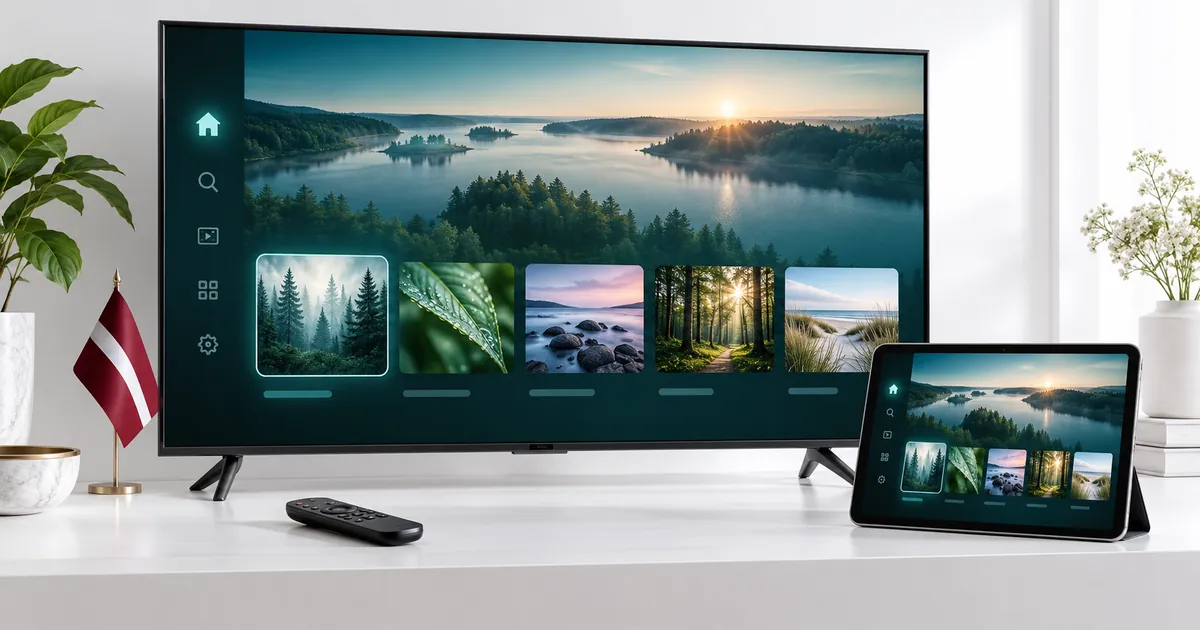
Imagine one person watching on the main television while another opens a different programme on a tablet. Both are actively streaming, so the setup needs two simultaneous connections. They need not watch identical content, and sharing one television with another person still counts as one active screen rather than two.
Now consider a television used in the evening and a phone used later, after playback on the TV has stopped. Those devices do not necessarily overlap. If that describes your routine, check whether one connection is sufficient instead of choosing two just because there are two screens in the home.
Two TVs need two compatible player setups
With televisions in separate rooms, confirm each model and player independently. One may run its app directly while the other uses a streaming box. The same subscription choice does not mean both devices have the same installation steps, remote interface or player-licence requirements.
Use the Smart TV preparation guide for television-specific considerations. If the bedroom television cannot find an app used in the living room, ask support about its exact model rather than installing an unrelated app with a similar name. Set up one screen successfully, then move to the second before testing both together.
TV plus phone or tablet
A portable screen can offer an alternative when another person is using the television. The phone or tablet still needs a supported player and the correct subscription configuration. An app licence on the television should not be assumed to license a different mobile application.
When switching from the TV to a portable device, stop any stream that is no longer needed. A player left running can continue to occupy a connection even when nobody is actively watching it. Ask support how your particular app handles leaving playback rather than relying only on the screen appearing dark.
Compare Standard and Premium at two connections
The quality level remains a separate choice. Review the subscription comparison if one screen is Full HD and the other has different capabilities. Standard may cover your everyday needs; Premium may be relevant for its extra features and available UHD content on a suitable setup.
Select two devices on the duration card you intend to order, then compare the total for each quality level. A two-connection price is not necessarily calculated by doubling a one-connection price. The existing selector supplies the amount for the chosen combination, so use that result rather than doing your own multiplication.
Make both streams work in the rooms you use
Check playback at each device’s normal location. A router close to the living-room TV may give a different experience in a distant bedroom. When each device works separately, test the two together to see whether ordinary household internet activity changes the experience.
If only one device has trouble, note whether moving closer to the router or using a supported wired connection changes the symptom. If both have trouble, tell support whether the problem affects all sources or only one programme. A two-connection entitlement allows concurrency; it is not a guarantee that every local network can carry any chosen stream quality without difficulty.
Choose the time period separately
The two-connection choice is available across the offered durations. A one-month starting period may help while you establish the two-screen routine. A three-month subscription may suit a household already comfortable with its devices and wanting more continuity.
Check that the same duration remains selected when comparing Standard with Premium. Review the full total, not just the monthly equivalent. That equivalent spreads the selected price across the duration for comparison; it does not itself create a separate monthly-payment schedule.
Send one clear request for the two-screen plan
Choose the plan type, duration and two-device option in the current pricing controls. Use your reachable email and WhatsApp number for the order request, and keep the confirmation reference. Tell the activation team which two devices you want to prepare so that the configuration advice matches your setup.
If a third person regularly wants an independent stream, compare the three-connection plan rather than repeatedly disconnecting another viewer. For occasional device changes, ask the team about the account and app requirements. Do not assume that two connections mean unrestricted sharing or redistribution outside the permitted use of the subscription.
Your questions answered
Does watching one TV together use two connections?
No. One active stream on one screen is different from two people watching it. Two independent simultaneous streams create the two-connection use case.
Can the two devices be different types?
They can be different compatible device types, such as a supported TV and tablet. Confirm the player and account setup for each with support.
Do I need two separate subscription orders?
Choose the two-device option within one plan when that is your intended package. Ask support before creating separate orders for a shared setup.
Is the price exactly twice the single-device price?
Do not assume that. Use the total shown by the existing selector for two devices and your selected duration and quality level.
What should I do before starting a replacement screen?
Stop playback that is no longer needed, then follow any device or player changes advised by support. App activation may be separate from the connection allowance.
Give both viewers a clear setup
Choose your duration, select two devices, and review the total before sending your subscription request.