
Map the evening before choosing the allowance
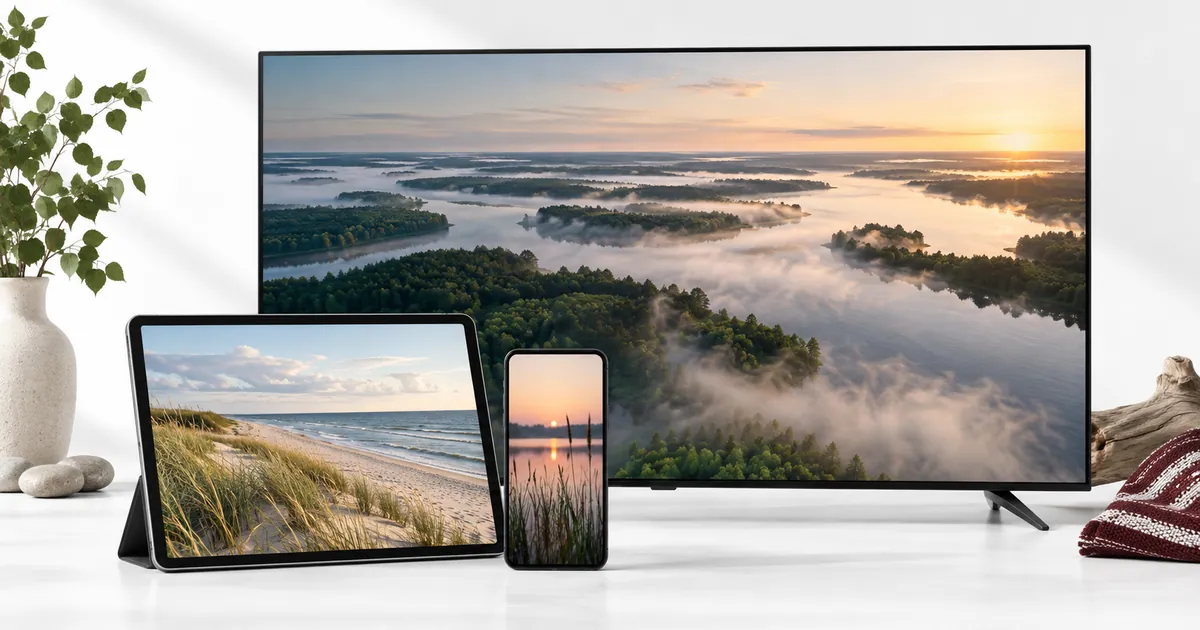
A common three-stream situation is one television showing a programme, another person watching on a tablet, and someone else using a second television or phone. Those sessions can have different content and still count toward the same simultaneous limit. The important detail is that all three are playing at once.
Write down a typical busy evening and mark when each viewer starts and stops. If only two streams overlap, a third allowance may not be needed. If the third screen is regularly requested while the other two are busy, choosing three can avoid making viewers take turns.
Keep shared screens separate from individual sessions
Three people watching one programme together on the main TV do not require three active connections. Conversely, one person who leaves a TV stream running while opening playback on two other devices can create multiple active sessions. The count follows streams, not simply people.
Agree on a simple habit of stopping playback when leaving a device. This is particularly useful where mobile apps are easy to leave running in the background. Check the behaviour of each player rather than assuming that changing apps, switching inputs or dimming a display always ends its session.
A mixed set of devices needs a mixed setup plan
Use the compatibility hub to identify the device families involved. A television app, tablet player and streaming-box application may use different interfaces even when they receive access to the same subscription service. Confirm each exact app before activation.
Prepare devices individually first. Check that each can open the relevant content and that its controls are usable. Then test all three together. This sequence makes it easier to separate an incorrect login on one screen from a problem that appears only during simultaneous use.
Look beyond the headline connection count
The allowance addresses concurrent streams. It does not make an unsupported device compatible, create additional player licences automatically or establish unlimited sharing rights. Ask about the exact account rules and any player-activation offer before assuming how the three screens will be registered.
Where the setup involves several televisions, keep a note identifying which app belongs to each screen. Avoid sharing credentials publicly or adding account information to an unverified activation website. If you receive unexpected payment or setup messages, use the established support channel to confirm the instruction.
Match quality to the screens that need it
Standard and Premium can both be compared with a three-device selection. The Premium explanation is useful if one or more screens can use available 4K sources or the additional guide and content features. A higher quality level does not mean every stream will be UHD.
Evaluate the devices together with their normal network load. One television may be connected by cable while a tablet uses Wi-Fi farther away. If simultaneous playback causes trouble, report the affected screens, chosen sources and time of use. The most expensive tier is not automatically a cure for a weak connection in one room.
Choose a duration for the household’s next period
A three-month duration and three connections are unrelated selections despite sharing a number. The duration describes how long the plan runs; the connections describe simultaneous viewing. Make both choices intentionally in the existing selector.
Review the total after choosing Standard or Premium and the desired duration. Compare equal combinations if you are considering a longer period. Do not multiply a one-device price by three and assume that is the offer: the live pricing controls are the source for the actual selected total.
Know when to choose fewer or more connections
If two sessions normally cover the household, read the two-device guide. If four screens regularly overlap, the four-connection option explains a larger setup. This is about matching use, not automatically choosing the highest allowance.
For the three-screen request, provide a reachable name, email and WhatsApp number through the usual ordering flow. Keep your order reference and tell the team which devices are involved. Follow the existing setup, testing and payment instructions; do not create duplicate orders while waiting for the team to prepare the configuration.
Your questions answered
Does three devices mean a three-month subscription?
No. Device allowance and duration are independent. You can select the offered duration separately from the three simultaneous connections.
Can three viewers watch different programmes?
That is the intended independent-stream use case, subject to account rules and available content. Each device needs its own correct player configuration.
Why does a third stream fail even when only two people are watching?
Check whether another player was left streaming on an unused device. If not, give support the account reference and exact error rather than submitting another order.
Must all three screens support 4K for Premium?
Do not assume every device will show the same resolution. Confirm the useful Premium features for your mixed setup; available 4K still depends on source and device support.
How should I test a new three-screen setup?
Configure and check each device alone, then run the intended three streams together in their normal locations. Report which stage shows the problem.
Choose around three active streams
Set the device dropdown to three on your chosen plan and confirm the duration and quality level separately.