
Build a room-by-room viewing picture
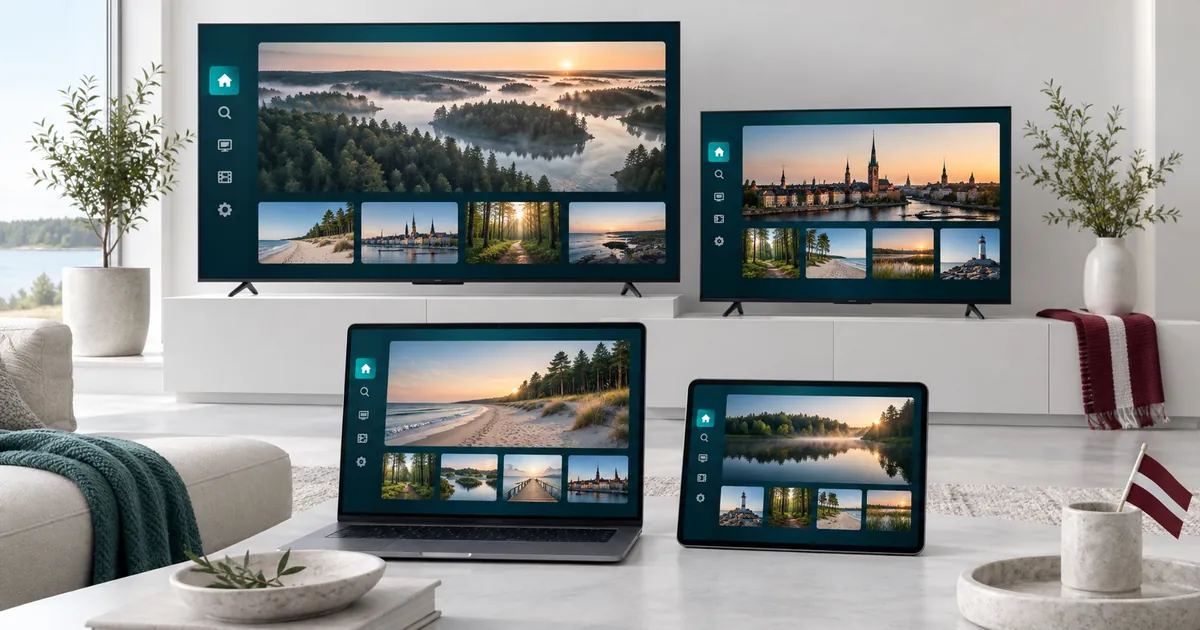
Start with the screens that are regularly active at the same time. Two televisions, a tablet and a laptop might form a four-stream evening. A spare television that is rarely switched on should not automatically drive the decision, while a portable device used every evening may matter more than its size suggests.
Make a short inventory showing the room, device model, player and usual viewer. This is not just administrative work: it helps distinguish a bedroom Wi-Fi problem from an app problem on the main TV. It also gives the activation team a clear description of the intended setup.
Four connections do not mean four identical installations
Different televisions can have different operating systems and app-store availability. A computer may use a desktop player while a streaming box uses an interface designed for a remote. Do not copy instructions blindly from one screen to the next merely because the same subscription is involved.
The device compatibility overview helps organise those differences. Verify the exact player on each device and ask which activation method it needs. A licence or activation offer for one app should not be assumed to cover every other app in the household.
Separate concurrency from network capacity
Four permitted streams still share the network available to their devices. Other internet activity in the home can also compete for that connection. Test at the locations and times you expect to watch rather than relying only on a single speed result beside the router.
For fixed televisions, consider whether a supported wired connection is practical. For portable screens, pay attention to coverage in the rooms used. If playback is fine individually but fails when several sessions start, tell support that distinction. Do not purchase a second subscription as the first response to what may be a local network limitation.
Choose the quality tier without assuming uniform resolution
A mixed household may include a large UHD television and smaller Full HD or mobile screens. Standard and Premium should be compared against that actual mix. Premium’s additional features may be useful, but not every content source or player will deliver 4K on every screen.
Our 4K readiness guide focuses on the playback chain rather than the Premium marketing label. For four simultaneous sessions, think about what each viewer will actually select. Forcing the highest available quality everywhere may not be necessary for the viewing experience you want.
A practical configuration order
- Prepare the main television and confirm the intended player works.
- Configure the remaining devices one at a time, keeping their app names distinct.
- Confirm all four sessions together using ordinary household viewing choices.
- Record the order reference and the details needed to identify each device to support.
Keep account credentials private. Share only the setup information needed with the person responsible for configuring a device. Do not publish app device keys or login screenshots as part of a request for help on an open forum. A larger allowance does not permit reselling or redistributing access.
Select four connections within the existing plan
Choose Standard or Premium, a duration, and four devices in the current selector. A six-month plan may suit an established household setup, while the annual guide covers a longer commitment. Resolve compatibility questions before selecting a longer period.
Read the resulting full total. Four connections are a specific offered combination, not a price you should derive by multiplying a single-device amount. The displayed monthly equivalent is useful for comparing duration choices but does not itself change how payment is arranged after setup.
Keep one accountable contact for setup questions
When several family members use the service, agree who will receive the order confirmation and respond to activation questions. Provide reachable contact information in the existing checkout, then keep the reference available for support. Avoid creating one order per room unless the team has specifically advised that arrangement.
If a fifth stream becomes a regular requirement, compare the five-device allowance before choosing. If requirements change during an active term, discuss available options with the team rather than assuming an automatic upgrade or a transfer of every app licence.
Your questions answered
Is four connections suitable for four rooms?
It can be if four compatible screens in those rooms need to stream simultaneously. Count active sessions rather than rooms alone.
Can one network support all four streams?
That depends on the actual sources, devices, available connection and other network activity. Test the intended setup rather than relying only on the subscription allowance.
Should I create a separate order for each television?
Use the four-device option when that is the package you intend to request. Ask the team before splitting the household into separate accounts.
Will one app licence cover all four players?
Do not assume that. Check the terms for the exact applications and devices, including any eligible activation supplied with the chosen plan.
What details help support with a larger household?
Provide the order reference, affected room and device, exact player name, and whether the issue occurs alone or only while multiple streams are active.
Prepare your four-screen household
Choose four connections, review the quality level and duration, then send one clear subscription request.