
Read the device information rather than the sales label
Look for the manufacturer, model, operating-system version and installed app store. Keep a note of the supplied remote and whether the interface expects a mouse or touch input. A box advertised with large memory or resolution figures is not automatically suitable for the application you want.
Some boxes offer a television-focused platform; others present a more general Android interface. The Android TV guide explains the remote-oriented route, while the Google TV guide covers devices using that interface. Match the instructions to the software actually installed instead of choosing a guide by the box’s shape.
Check the basic hardware path first
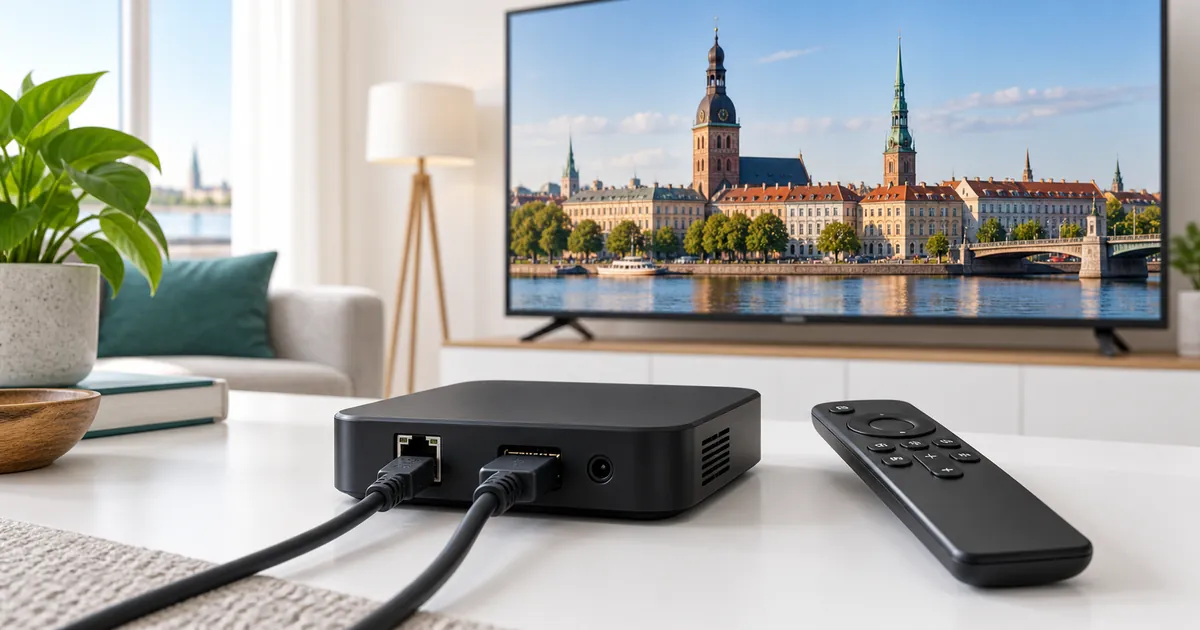
Connect the box according to its manufacturer’s instructions and select the matching HDMI input. Confirm that the home screen appears, the remote responds and the device can reach its ordinary online services. A blank input, intermittent power and an account authentication error should not be treated as the same fault.
Give the box ventilation and avoid burying it under other equipment. If it offers Ethernet, a compatible wired connection may be useful to test local Wi-Fi uncertainty. Check the actual ports and accessory requirements rather than assuming that an adapter purchased for another streaming device will be supported.
Choose a trustworthy player source
Use the supported store or a publisher-verified distribution route appropriate to the device. Check the exact publisher, requested permissions and software requirements before installing. Avoid modified players, anonymous APK collections and packages promoted as an automatic way to obtain every channel.
A television-oriented player such as TiviMate may be suitable for a compatible box, but confirm its actual requirements. The fact that an installer runs does not prove the app is comfortable to use with the supplied remote. Test selection, guide navigation and returning from full-screen playback before committing to that player.
Separate box ownership, app licensing and IPTV access
Buying the box does not itself provide a continuing IPTV subscription. A player may also require separate activation or a paid feature upgrade. Keep those purchases distinct so that an expiry message is investigated in the correct place. An app trial ending does not necessarily mean the subscription account has expired.
If a device arrived with unknown accounts or unexplained playlists, do not assume they belong to your IPTV Latvia request. Ask the team how to configure the intended account in a verified player. Avoid giving an unrelated hardware seller continuing remote access to your device or sending them private subscription credentials.
Build a repeatable configuration
- Record the box model, operating system and selected player.
- Confirm ordinary network access and remote navigation.
- Submit the desired subscription request with accurate contact details.
- Follow the supplied account-entry instructions and verify the first stream.
Then test what you will actually use: the guide, essential programme categories and any available audio or subtitle choices. Change one setting at a time when investigating a problem. If you alter several decoding, display and network options together, neither you nor support can easily identify which change affected the result.
Choose the subscription for the expected use
The subscription comparison guide explains the existing quality levels and durations. Do not select Premium solely because the box advertises 4K output. High-resolution viewing depends on the content source, player, display connection and network as well as the hardware’s capabilities. Not every programme is supplied in UHD.
Count independent streams that will overlap. The box connected to your television counts as that viewing route; it is not an extra screen merely because the TV and box are two pieces of hardware. Add capacity when another player actually needs to run simultaneously, then review the complete total for that selection.
Know when the box, rather than the subscription, needs attention
If the device freezes on its own home screen, cannot install ordinary apps or repeatedly loses power, describe that hardware-level symptom before replacing subscription details. If it operates normally but one programme fails, report the narrower issue. An accurate distinction avoids repeated account changes that cannot repair the underlying device.
Use the compatibility hub before purchasing a replacement. Ask for confirmation of the precise model instead of relying on a generic Android claim. Keep a copy of your working configuration information privately, and establish whether any player licence can transfer before resetting or discarding the existing box.
Your questions answered
Does the word Android guarantee a suitable TV interface?
No. Check the actual operating system, store and remote behaviour. Generic Android boxes and television-focused devices can provide different experiences.
Does the television plus the box count as two connections?
Not when the box is simply playing one stream through the television. Connections concern simultaneous playback sessions, not the number of physical components.
Should I use the playlists supplied by an unknown box seller?
Do not assume they are associated with your IPTV Latvia subscription. Confirm the intended access with the activation team and use a verified player.
Will a Premium plan fix a freezing box home screen?
No. A device-level stability problem should be investigated separately from subscription features and content playback.
What should I check before replacing the box?
Confirm the new model’s player support, how account settings will be restored and whether any existing player licence can be transferred.
Choose a plan for a confirmed box setup
Identify the device and working player first, then select the quality, duration and simultaneous streams you need.